

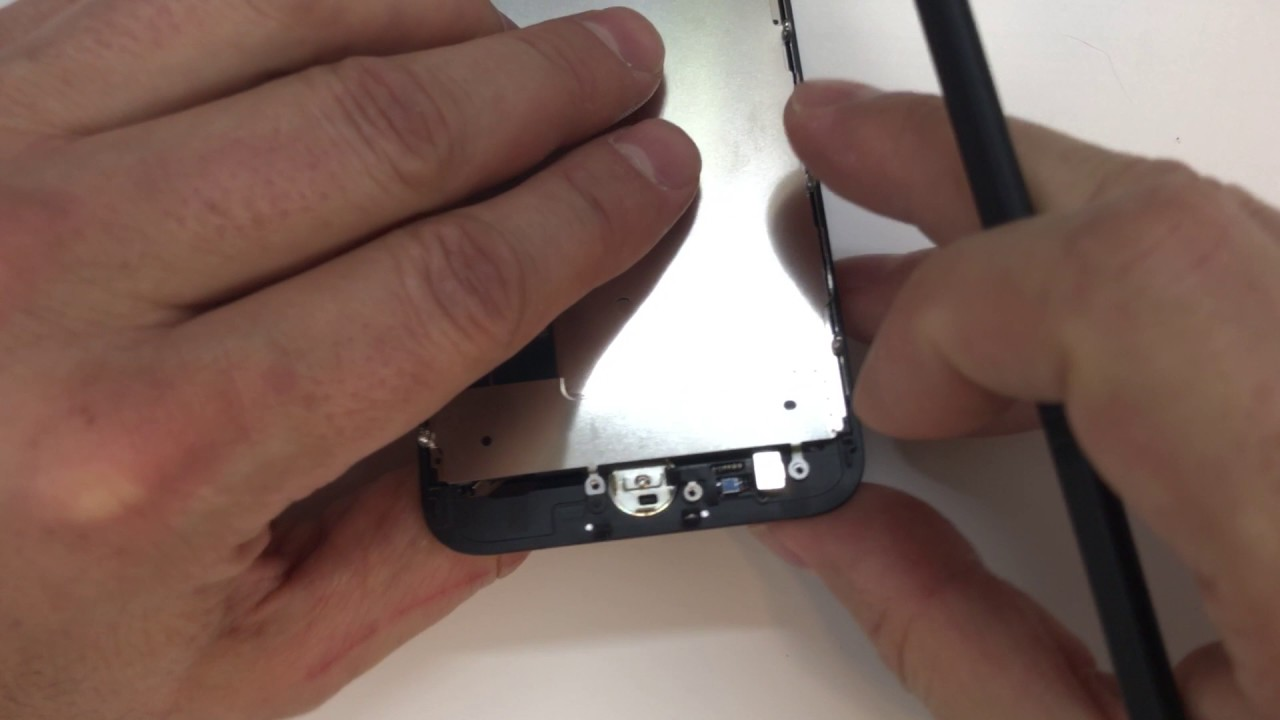
Have you faced challenges with your iPhone 7 home button which disrupts the seamless experience of navigating through your device? The good news is that home button replacement is the answer to restoring this essential feature. This article will walk you through the intricacies of replacing the home button on your iPhone 7.
The home button is more than just a key it’s a portal to your device’s functionality. Whether you’re a hands-on DIY enthusiast or curious about the process, our step-by-step guide is here to demystify the secrets behind the iPhone 7 home button replacement. Join us as we delve into the details and empower you to unlock the full potential of your iPhone 7 once more.
Common Reasons for Home Button Replacement
The home button on your iPhone 7 can sometimes encounter issues that necessitate replacement. Here are common reasons why users opt for home button replacement:
Physical Damage:
Accidental drops or impacts can damage the home button physically, affecting its responsiveness or rendering it non-functional.
Wear and Tear:
With frequent use the home button may undergo wear and tear, leading to a decrease in responsiveness or a mushy feel.
Unresponsive Button:
The home button may become unresponsive due to software glitches, water damage, or internal issues, requiring replacement to restore its functionality.
Touch ID Issues:
If the Touch ID fingerprint sensor embedded within the home button malfunctions users often choose a replacement to regain this crucial feature.
Intermittent Functionality:
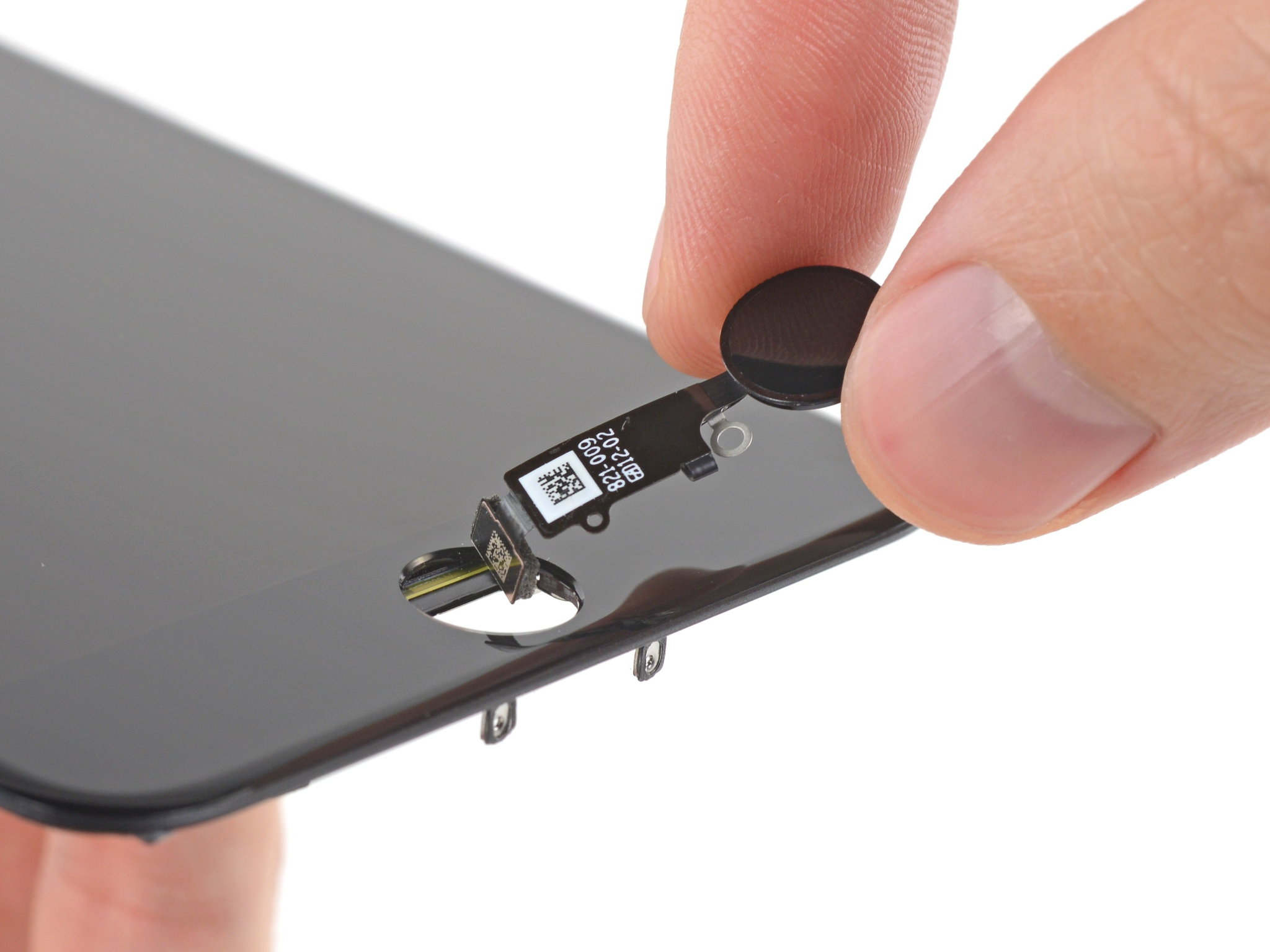
Some users experience intermittent functionality where the home button works inconsistently. Replacement addresses these unpredictable issues.
Compatibility with Updates:
Software updates may sometimes lead to compatibility issues with older home button models, prompting users to replace them for seamless integration.
Sticky or Jammed Button:
Spills or debris accumulation can cause the home button to become sticky or jammed, hindering its smooth operation and necessitating replacement.
Error Messages:
Error messages indicating home button issues may prompt users to opt for replacement, ensuring a quick resolution to potential hardware problems.
Personalisation Preferences:
Some users choose to replace their home buttons for aesthetic reasons, opting for customized buttons to personalize their iPhone’s appearance.
Malfunction after Repair Attempts:
In cases where users attempt DIY repairs or inexperienced repairs the home button may suffer additional damage, leading to replacement as a more reliable solution.
Understanding these common reasons for iPhone 7 home button replacement empowers users to make informed decisions when faced with home button issues. Whether due to physical damage, wear over time, or a desire for enhanced functionality, replacement ensures that your iPhone’s home button remains a reliable and integral part of your device.
Safety Precautions Before Initiating Home Button Replacement
Before embarking on replacing your iPhone 7 home button it’s crucial to prioritise safety precautions. Begin by powering off your device to eliminate any risk of electrical mishaps during the process. Gather the necessary tools, including a precision screwdriver and plastic prying tools, to ensure a smooth and controlled disassembly.
Consider using an anti-static wrist strap to mitigate the risk of static electricity damage to sensitive components. Patience is vital and a well-lit, organised workspace minimises the chances of misplacing screws or parts. Adopting these safety measures sets the foundation for a successful and secure home button replacement.
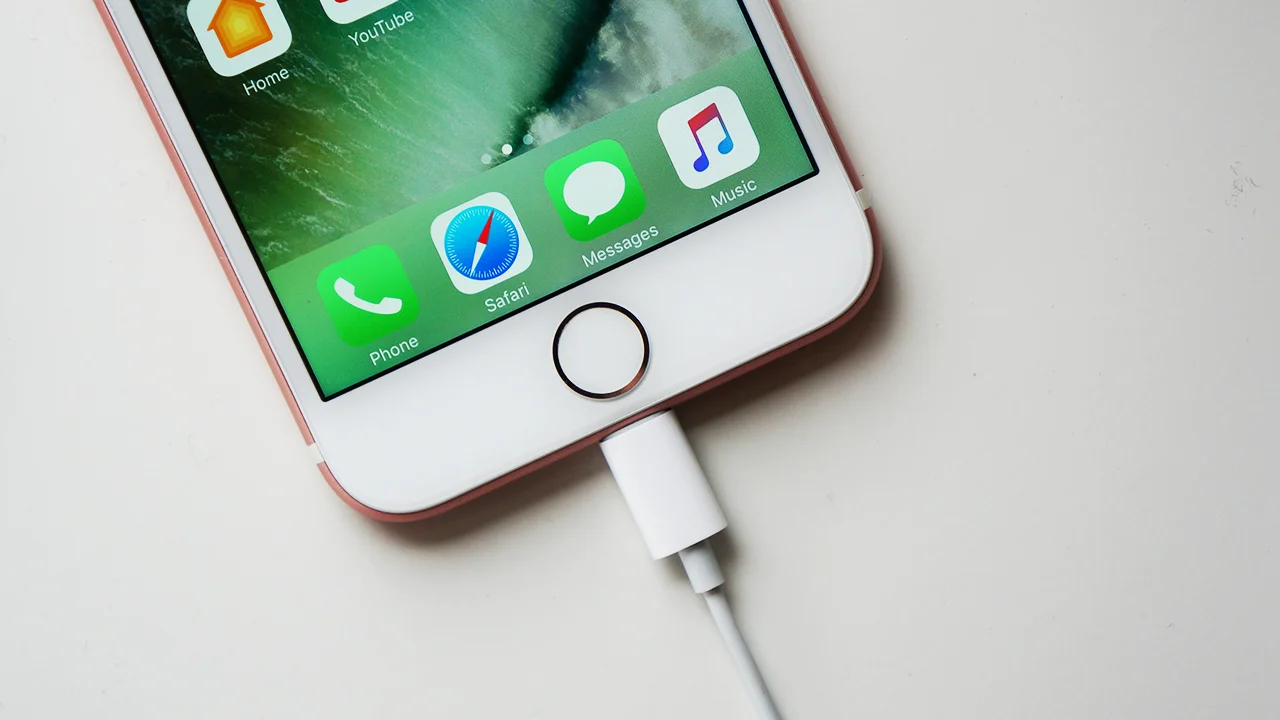
Step-by-Step Guide to Removing the Old Home Button
Replacing the home button on your iPhone 7 involves a systematic process. Follow this step-by-step guide to remove the old home button safely:
- Power off your iPhone to ensure a safe disassembly environment.
- Gather necessary tools: precision screwdriver, plastic prying tools, and a heat gun or hairdryer.
- Carefully remove the screws securing the outer casing using the precision screwdriver.
- Apply heat with a gun or hairdryer to loosen the adhesive around the device’s edges.
- Use non-conductive plastic prying tools to separate the housing, starting along the edges gently.
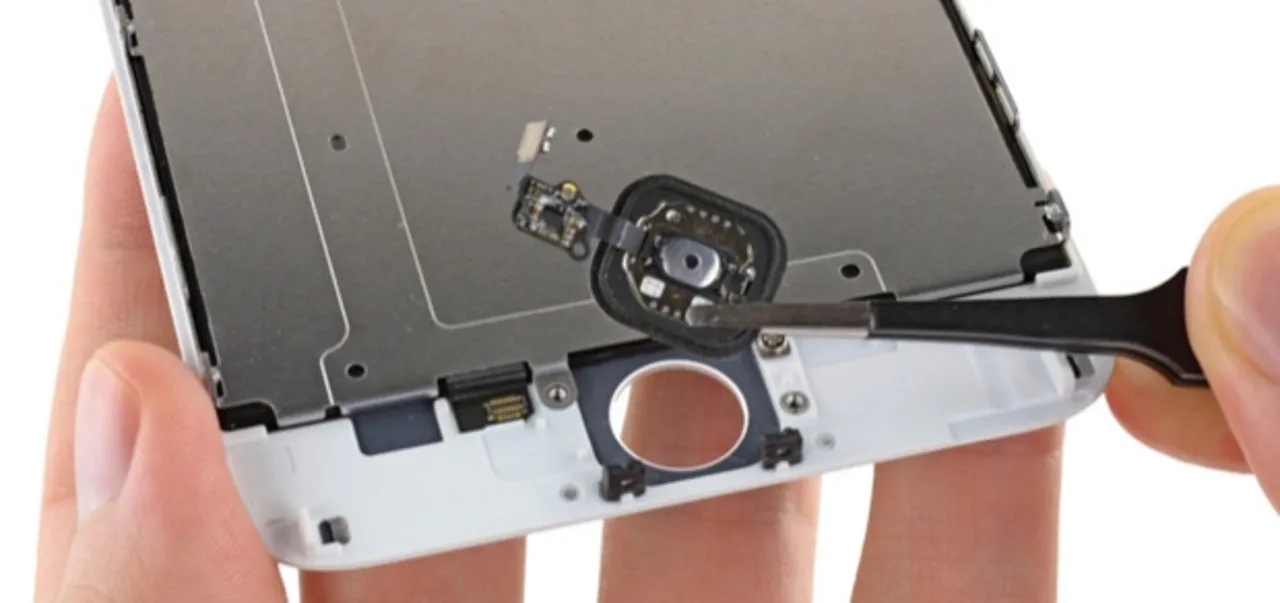
- Gently lift off the old home button, exercising caution to avoid damage to connected components.
- Locate the ribbon cable connecting the home button and use tweezers to disconnect it.
- Inspect the device for any remaining adhesive from the old home button and clean the area thoroughly.
- Handle the old home button with care, especially if it is being replaced due to damage or malfunction.
- If you plan to keep the old home button, securely store it in a safe place to prevent damage or loss.
Installing the Replacement Home Button on iPhone 7
The step-by-step guide to installing the replacement for the home button on iPhone 7:
- Align the replacement home button precisely with the designated space on the device.
- Connect the ribbon cable to the new home button using tweezers or a similar tool.
- Ensure a secure and snug fit for the replacement home button within the device’s housing.
- Clean the surrounding area to remove any remaining adhesive from the previous button.
- Apply gentle pressure to affix the replacement home button, securing it within the device.
- Power on your iPhone to test the functionality of the newly installed home button.
- Check for responsiveness and ensure all features, including Touch ID, function correctly.
- If the replacement is successful, proceed with reassembling the device by securing the screws in their designated locations.
- Double-check the alignment and functionality before completing the reassembly process.
- Power off the iPhone before initiating any further steps in the replacement or repair process.
Conclusion
In the journey of replacing your iPhone 7 home button, we’ve delved into the intricacies of disassembly, careful handling, and the precise installation of a new component. This meticulous process not only rejuvenates the tactile experience but also ensures the seamless functionality of your device.
As you navigate the realms of home button replacement, remember that attention to detail and patience are your allies. Whether you undertook this journey for functional necessity or as a DIY enthusiast, the end goal is achieved – a refreshed iPhone 7.
May your device now boast a responsive home button and contribute to a smoother and more enjoyable user experience. Embrace the satisfaction of a successful replacement and continue unlocking the full potential of your iPhone 7 with every touch.
Ready to discover the art of iPhone 7 home button replacement? Screen Fixed guides you through the process. Explore the steps here for a seamlessly replaced home button.
